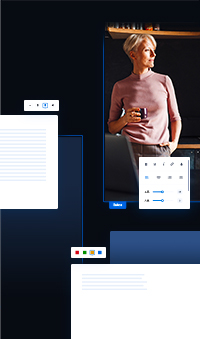


We are pleased to —
Saywebpage.
Get to know the basic principles of creating your own website on the Saywebpage system.
Lesson content

Start with a selection
web templates.
Choose one — any — of our web templates. Our goal is for your site to stand on a stylistically consistent and good-looking foundation, even without a lot of effort.

You make all the adjustments
right on your website.
Immediately after registration and choosing a template, you have a website in your hands. You can edit anything. But it's not necessary — you can publish your site now and fine-tune the details later.
Writing Tip: It works the way you're used to — simply highlight the text you want to overwrite with your mouse and type.
Mouse over it
what you want to edit.
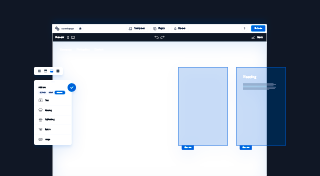
When you move the mouse over your page, the individual parts of your page are highlighted in a blue frame in the editing environment — so you can see exactly what you are about to edit.
Click to open
editing panel.
Click on an element to open its edit panel. Here you will find all the options of the selected element and everything that can be done with it.
You can by dragging
elements to move.
You can move any element of your pages within its parent element. Grab the handle of the element with the mouse, drag and drop.
Save continuously,
publish eventually.
At the top of the window you will find the main menu from which you can save your pages. Then click the "Preview" button to view the live preview. When you are ready to publish your edits, click the “Publish” button.
Create your
own website
Building a professional website is easier than you think. Start right now and get 30 days free to try it out.
No credit card required.